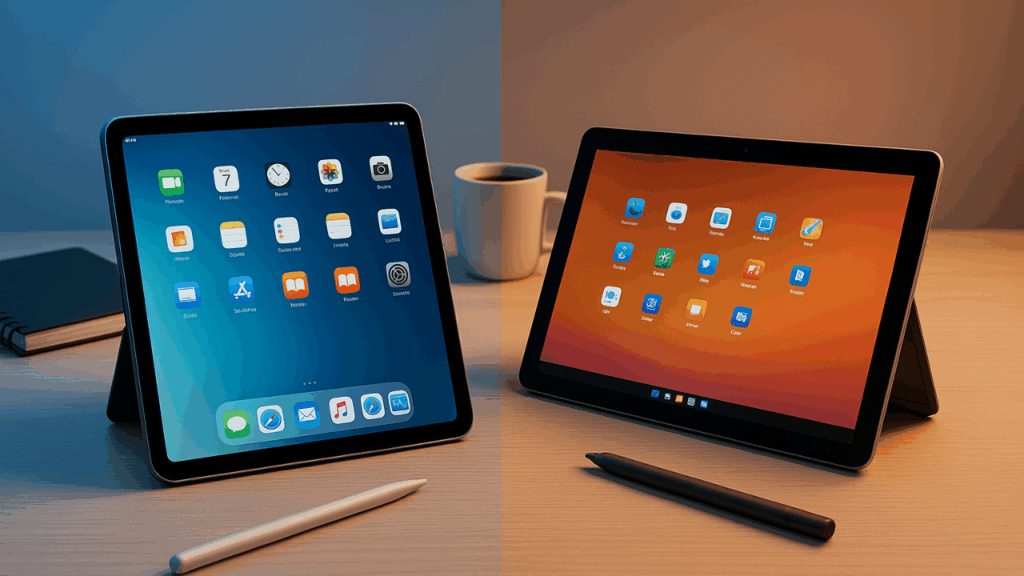

iPad vs Surface Go
Did you know about iPad vs Surface Go Friendly Guide, if yes then this article is for you. We will be discussing. Read on for more.
Selecting between a Surface and an iPad It can be like having to choose between two distinct study methods when you go to school. Though they behave differently, they are both little, light, and appealing. To help you choose the option that best suits your life, subjects, and budget, I’ve broken down the key features in simple terms below.
Short answer
- Choose an iPad if you’re looking for a quick, elegant tablet with a long battery life, excellent apps, and the greatest note-taking pen experience.
- The Surface Go is a better option if you want a compact laptop-like device with a detachable keyboard and require full Windows desktop applications (Word, Excel, MATLAB, coding software).
Now let’s unpack that.
1. Form factor & portability
Both gadgets are lightweight and tiny. When it comes to reading, annotating PDFs, and watching lectures, the iPad seems like a high-end tablet. It is also incredibly smooth and responsive. With a built-in kickstand and a detachable keyboard (Type Cover) that transforms it into a clamshell, the Surface Go functions and looks more like a mini laptop.
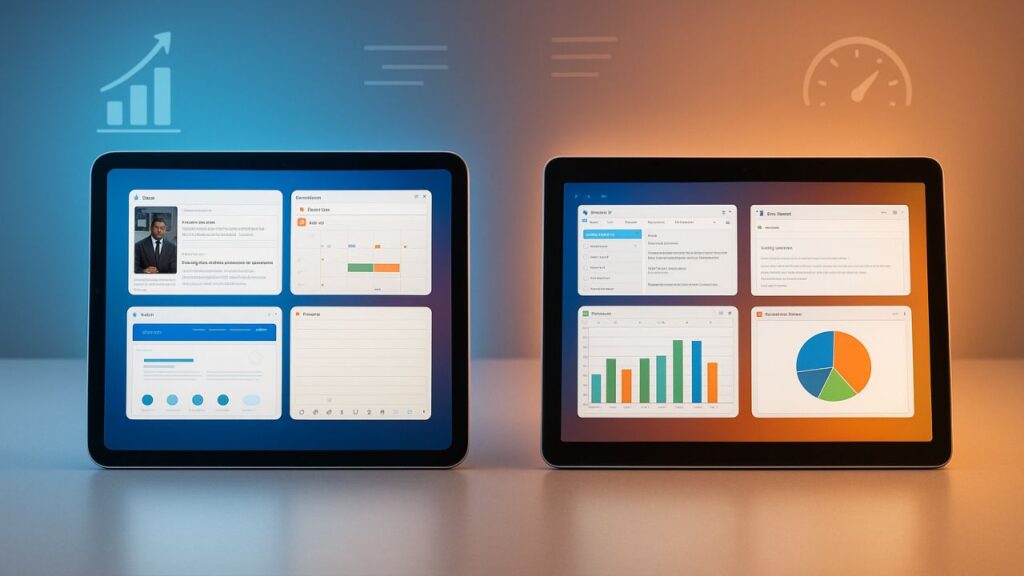
- If you want something incredibly light and intend to carry only a tablet and pencil, get the iPad.
- If you want a device that is just as comfy as a laptop for typing lengthy projects, go with the Surface Go.
2. Operating system & apps
This is the biggest practical difference.
- iPad (iPadOS): Intended to be touched. Numerous tablet-optimized note-taking (GoodNotes, Notability), e-reading, video streaming, and creative (Procreate) apps are available in the App Store. Apps are frequently better suited for touch and the Apple Pencil, and iPadOS is quick and easy to use.
- Surface Go (Windows): Runs complete Windows, allowing you to install desktop programs, such as full Microsoft Office, specialized applications (such as statistical packages, IDEs, engineering or lab software), and browser-based tools that are identical to those found on a laptop. Although many Windows apps are still meant to be used using a mouse and keyboard, touch compatibility is available.
Practical rule: Surface Go is safer if your education calls for desktop-only software (such as some engineering, accountancy, or sophisticated computer science skills). iPad apps typically fulfill all of your needs for normal schoolwork, and they frequently perform better for touch.
3. Note-taking & stylus
- iPad + Apple Pencil: Widely regarded as the gold standard. Low latency, great palm rejection, and excellent handwriting-to-text options. Many students swear by GoodNotes or Notability for organized, searchable notes.
- Surface Go + Surface Pen: Good stylus experience, and the Surface Pen integrates with Windows Ink and OneNote. It’s solid for handwriting and sketches but the overall feel and app ecosystem for handwriting is arguably not as polished as iPad’s.
If handwritten notes and annotating lectures are your primary use, iPad has the edge.
4. Keyboard & typing
Typing on a real keyboard matters for essays and long assignments.
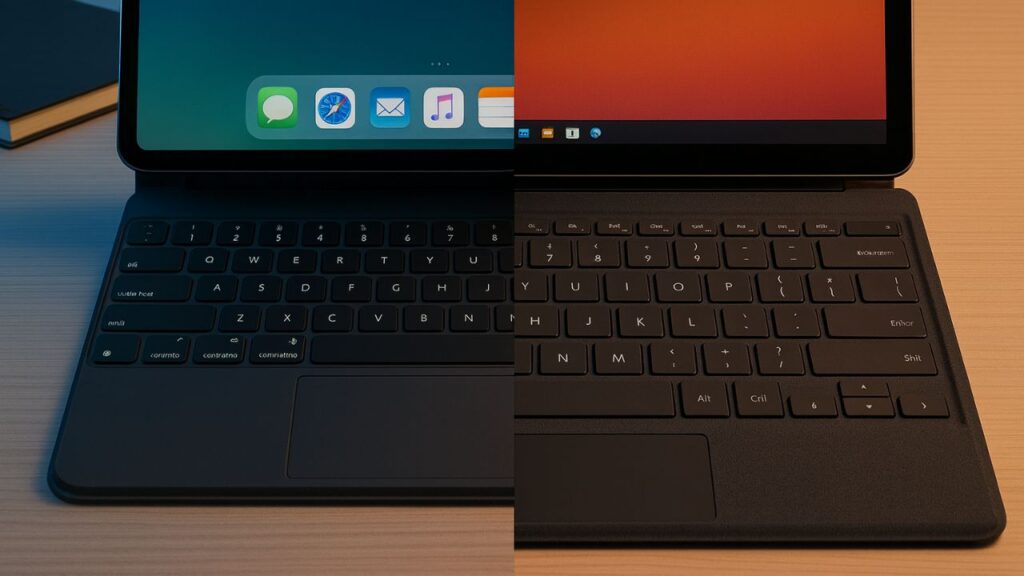
- iPad: Third-party Bluetooth keyboards or optional Magic Keyboards. The Magic Keyboard is great, but it’s pricey and heavy.
- Surface Go: Has a first-party Type Cover made specifically for it, which is more laptop-like and frequently less expensive than Apple’s keyboard and trackpad combination. Surface is a more obvious substitute for laptops.
For heavy typing, Surface Go wins slightly for cost-effectiveness and laptop feel.
5. Performance & multitasking
Both can handle everyday tasks: browsing, video calls, streaming, and document editing.
- iPad: Recent models are incredibly fast thanks to powerful CPUs. Split-screen and Slide Over are supported by iPadOS, and apps are designed to run smoothly.
- Surface Go: Good for simple multitasking, although lower-power Surface Go devices may not be able to handle demanding software or intensive multitasking. Examine CPU/RAM settings carefully if you intend to run more demanding desktop applications.
If you want buttery-smooth performance for everything, higher-end iPads tend to feel faster.Higher-end iPads typically feel faster if you desire buttery-smooth performance across the board.
6. Battery life
iPads are renowned for having lengthy batteries that can be used all day. The battery life of the Surface Go varies depending on the model and usage; using desktop apps in particular might cause the battery to deplete more quickly while running full Windows.
If long battery between charges is important, iPad is more reliable.
7. File access & printing
- Surface Go (Windows): Handles files like a laptop — easy file management, downloads, and printing workflows (useful if your school uses complicated file systems or network printers).
- iPad: iPadOS has improved file handling, but some workflows (especially when interacting with certain printers or legacy systems) may be less direct than Windows.
If your school uses network drives or specific print/submit systems, Surface Go may be simpler.
8. Price & value
Base models of both start at similar price points, but extras add up:
- iPad + Pencil + Keyboard can become pricey.
- Surface Go + Type Cover + Pen also adds cost but can be closer to a laptop replacement.
Look at total cost (device + keyboard + stylus + warranty) before deciding.
Also Read About KrispCall A Complete Friendly Guide Everything You Need to Know
9. Ecosystem & future-proofing
- iPad fits best if you already use iPhone/Mac: messages, AirDrop, iCloud syncing, and handoff features are convenient.
- Surface Go fits best if your home or school is Windows-centric; compatibility with Microsoft 365 is seamless.
Who should pick which?
- Choose iPad if:
- You want the best tablet experience, especially for handwriting and reading.
- You value battery life, app quality, and a simple, polished interface.
- Your courses don’t require heavy desktop-only software.
- You already use Apple devices and want smooth syncing.
- Choose Surface Go if:
- You need full Windows apps (desktop Office, specific lab or coding tools).
- You want a compact device that acts like a laptop out of the box.
- You prefer Windows file management and printer compatibility.
- You want a lower-cost keyboard option.
Tips for students before buying
- Check course/software requirements — some courses list required software; if it’s Windows-only, pick Surface.
- Factor accessories — keyboard and stylus are essential for many students; include them in your budget.
- Try in person — visit a store and try typing, using the stylus, and holding the device.
- Look for student discounts — both Apple and Microsoft often have education pricing or bundles.
- Storage matters — cloud is great, but offline storage is needed for large files; pick enough internal storage for your use.
Conclusion
This was our guide on iPad vs Surface Go
Both are excellent for students — the “better” device depends on your needs. If your priority is note-taking, media consumption, and app quality, go iPad. If you need real Windows software and a laptop-like workflow in a small package, go Surface Go. For many students, the iPad offers the nicer everyday experience — but if your course demands Windows, the Surface Go is the practical choice.
Want a short checklist I can fill for your specific major, subjects, and budget to recommend a model and accessories? Tell me your major and how much you want to spend and I’ll make a tailored pick.