
Wegic AI Review

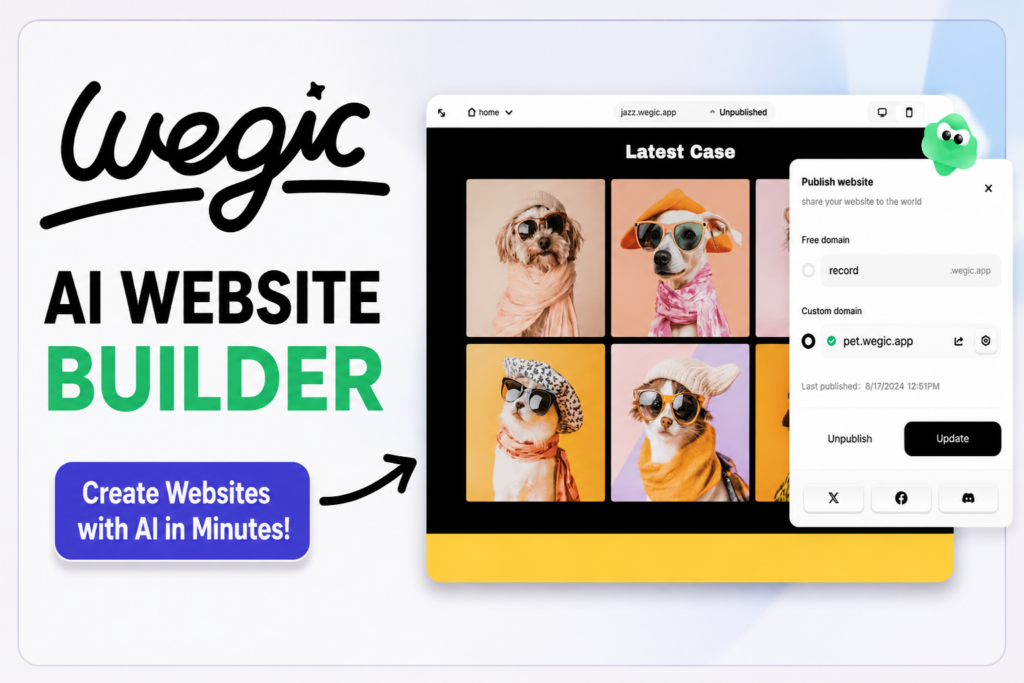
Do you know Wegic AI Review, if yes then this article is for you. We are discussing about it here. Read more.
Creating a professional website once required coding knowledge, expensive developers, or hours of work using traditional website builders. Today, artificial intelligence is transforming web design, making it possible to launch a website in minutes. One platform leading this trend is Wegic AI.
Wegic is an AI-powered website builder that allows users to create complete websites simply by chatting with an AI assistant. Instead of dragging and dropping elements or writing HTML and CSS, you describe the type of website you want, and Wegic generates the design, content structure, and layout automatically.
Whether you’re a freelancer, small business owner, blogger, startup founder, or entrepreneur, Wegic aims to simplify the website creation process while maintaining a professional appearance.
This review explains everything you need to know about Wegic, including its features, pricing, advantages, disadvantages, and whether it’s worth using in 2026.

What Is Wegic AI?
Wegic is an AI website builder that uses conversational artificial intelligence to design and publish websites.
Instead of selecting templates and manually editing pages, users simply chat with the AI and explain what they need. For example:
- Create a business website
- Build my portfolio
- Design a restaurant landing page
- Make an online service website
- Add a contact form
- Change the color theme
The AI understands these requests and updates the website automatically.
This conversational approach makes website creation accessible even for complete beginners.
How Does Wegic Work?
The website creation process is straightforward.
Step 1: Describe Your Website
Tell the AI what kind of website you want.
Example:
“Create a modern digital marketing agency website with five pages.”
Step 2: AI Creates the Layout
Within minutes, Wegic generates:
- Homepage
- About page
- Services
- Contact page
- Images
- Sections
- Navigation
Step 3: Customize
Ask the AI to make changes such as:
- Change colors
- Add testimonials
- Insert pricing tables
- Replace images
- Update headings
Everything happens through natural language.
Step 4: Publish
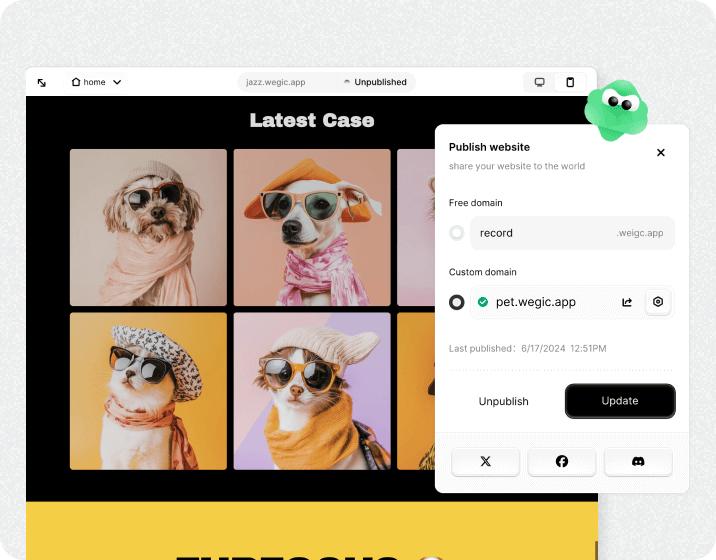
Connect your custom domain (depending on your plan) and publish your website.
Key Features of Wegic
1. AI Website Generation
The biggest advantage is instant AI-generated websites.
Instead of spending hours designing pages, the AI builds them automatically.
2. Chat-Based Editing
Unlike traditional builders, Wegic lets users edit their website by chatting.
Example:
- Add FAQ section
- Move testimonials higher
- Change blue to green
- Add another service
The AI makes these updates automatically.
3. Mobile Responsive Design
All websites generated by Wegic are responsive.
This means they work well on:
- Smartphones
- Tablets
- Desktop computers
A mobile-friendly website also improves user experience and supports search engine optimization.
4. Professional Templates
Although AI generates the design, users receive polished layouts suitable for:
- Agencies
- Restaurants
- Consultants
- Portfolios
- Startups
- Coaches
- Freelancers
- Personal brands
5. Fast Website Creation
Traditional website builders can take days.
Wegic can create a functional website in just a few minutes, depending on customization needs.
6. AI Content Assistance
Many users struggle with writing website copy.
Wegic can assist by generating:
- Headlines
- Service descriptions
- Hero sections
- About pages
- Call-to-action text
Users should review and personalize AI-generated content to ensure it accurately reflects their business.
7. Easy Customization
Without coding, users can modify:
- Colors
- Fonts
- Images
- Buttons
- Sections
- Navigation
- Backgrounds
8. Custom Domain Support
Paid plans typically allow users to connect their own domain, creating a professional online presence.
Who Should Use Wegic?
Wegic is suitable for many users.
Freelancers
Build a professional portfolio without hiring a designer.
Small Businesses
Create business websites quickly.
Startups
Launch landing pages for new products.
Consultants
Showcase services and collect leads.
Coaches
Create booking pages and promote coaching programs.
Bloggers
Develop simple blog websites with minimal setup.
Local Businesses
Restaurants, salons, gyms, and retail stores can establish an online presence quickly.
Wegic Pricing
Wegic generally offers multiple pricing tiers, including a free option and paid plans with additional features.
Depending on the selected plan, users may receive:
- Custom domain support
- More AI generations
- Premium templates
- Increased storage
- Advanced customization
- Business features
- Priority support
Pricing and available features may change over time, so it’s best to review the official pricing page before making a purchase decision.
Pros of Wegic
Extremely Beginner Friendly
No coding knowledge is required.
AI Saves Time
Website creation takes minutes instead of days.
Modern Designs
Generated websites look clean and professional.
Responsive Layouts
Websites work well across different devices.
Simple Editing
Users can update websites by chatting with AI instead of learning complicated editors.
Good for MVPs
Startups can quickly launch landing pages to test business ideas.
Cons of Wegic
Limited Advanced Customization
Developers may find fewer customization options compared with traditional platforms.
AI May Need Manual Refinement
Generated layouts and text may require adjustments to better match your brand and goals.
Not Ideal for Large eCommerce Stores
Businesses with extensive online store requirements may prefer platforms designed specifically for advanced eCommerce.
Wegic vs WordPress
| Feature | Wegic | WordPress |
|---|---|---|
| Beginner Friendly | ⭐⭐⭐⭐⭐ | ⭐⭐⭐ |
| AI Website Creation | Yes | Limited (Plugins) |
| Coding Required | No | Sometimes |
| Flexibility | Moderate | Excellent |
| Plugins | Limited | Thousands |
| SEO Control | Good | Excellent |
| Learning Curve | Very Easy | Moderate |
| Website Speed | Good | Depends on Hosting |
| Best For | Beginners | Long-term Websites |
Wegic vs Wix AI
| Feature | Wegic | Wix AI |
|---|---|---|
| AI Chat Editing | Yes | Partial |
| Ease of Use | Excellent | Very Good |
| Templates | AI Generated | Template Based |
| Learning Curve | Very Low | Low |
| Website Creation Speed | Very Fast | Fast |
SEO Features
Search engine optimization is important for attracting organic traffic.
Wegic includes several SEO-friendly capabilities, such as:
- Mobile-responsive layouts
- Fast-loading pages
- Editable page titles
- Meta descriptions
- Image optimization support
- HTTPS security
- Clean website structure
For users focused on large-scale content marketing, WordPress still provides more advanced SEO flexibility through its extensive plugin ecosystem.
Is Wegic Good for Affiliate Marketing?
Yes, Wegic can work well for affiliate marketers who want to create:
- Product review websites
- Landing pages
- Lead generation pages
- Niche websites
- Personal brand websites
However, affiliate marketers should ensure that:
- Content is original and valuable.
- Affiliate relationships are clearly disclosed.
- Reviews are balanced and honest.
- Product claims are accurate and supported.
- They follow the policies of their affiliate programs and advertising platforms.
For websites that will eventually publish hundreds of articles, WordPress may offer greater scalability and content management capabilities.
Tips for Getting Better Results
To make the most of Wegic:
- Provide detailed prompts when generating your website.
- Replace generic AI content with your own brand voice.
- Use high-quality original images whenever possible.
- Keep navigation simple and easy to understand.
- Optimize each page title and meta description.
- Regularly update your content.
- Test your website on both desktop and mobile devices.
Frequently Asked Questions
Is Wegic free?
Wegic typically offers a free plan with limited features, while premium plans unlock additional capabilities. Check the official pricing page for current details.
Can beginners use Wegic?
Yes. It is designed for users with little or no technical experience.
Does Wegic require coding?
No. Most website creation and editing can be done through natural-language prompts.
Can I connect my own domain?
Yes, custom domain support is generally available on eligible paid plans.
Is Wegic suitable for business websites?
Yes. It can be used to build websites for agencies, consultants, freelancers, restaurants, and many other small businesses.
Conclusion
Wegic is one of the most user-friendly AI website builders available in 2026. Its conversational interface removes many of the traditional barriers to creating a website, allowing beginners to launch attractive, responsive sites quickly.
It is especially well suited for freelancers, startups, consultants, and small businesses that need a professional online presence without investing significant time in web design.
That said, users who need highly customized functionality, advanced SEO workflows, or large content-driven websites may find platforms like WordPress more flexible over the long term.
Overall, if your priority is speed, simplicity, and AI-assisted website creation, Wegic is a compelling option worth exploring.
Affiliate Disclosure: This article is for informational purposes only. If you choose to purchase Wegic through an affiliate link, the publisher may earn a commission at no additional cost to you. This does not influence the opinions expressed in this review, and readers should evaluate the product based on their own needs and research.