
Top Laptops for Students
Did you know about Top Laptops for Students, if yes then this article is for you. We will be discussing . Read on for more.
A student’s laptop is more than simply an essay writing tool in 2026. It must adapt to programming environments, video calls, hybrid classrooms, multitasking between lecture slides, light photo/video editing, and possibly even AI-driven tools. It is now possible to obtain a lightweight, powerful, and dependable system without going over budget because to developing chip designs, improved battery technology, and fierce competition.
However, not every laptop is made equally. Here’s a guide to what to look for, along with some good choices for both budget and premium segments, regardless of whether you’re on a tight budget or want a “just don’t think about performance” computer.
Also Read About Best Smartphones Under $500 in 2026
What to Look For (Key Criteria)
Before diving into models, here are the design principles you should prioritize:
- Portability & weight: You’ll carry it between classes or cafés. Staying under about 1.4–1.6 kg (or ~3–3.5 lb) is ideal for fulltime use.
- Battery life & charging: A real all-day battery is 8–12 hours (or more). Fast charging is a bonus so you can top up between classes.
- Performance: For general use, a modern 10th–14th gen Intel Core, AMD Ryzen 5000/7000/8000 series, or Apple’s Silicon (M-series) chip is sufficient. Aim for 8 GB RAM (16 GB if you multitask heavily) and at least 256–512 GB SSD.
- Display & build: A bright, color-accurate screen (preferably at least 300 nits brightness) makes long reading sessions easier. Solid, premium materials (aluminum, magnesium alloys, or sturdy polycarbonate) help durability.
- Ports & connectivity: At least one USB-C (preferably with power delivery / data), plus a mix of USB-A, HDMI, or SD slot is helpful. Wi-Fi 6/6E or Wi-Fi 7 and Bluetooth 5.x are increasingly standard.
- Serviceability & reliability: A good warranty, local service centers, and upgradeability (e.g. RAM/SSD) help the laptop age better.
Budget / Mid-Range Options
In this segment, you’ll trade off raw horsepower or slimmer profiles—but there are gems that deliver excellent value.
ASUS Vivobook Go 14
- Why it’s good: This model is an excellent option for simple student processes (documents, web, light coding) because it is extremely lightweight and reasonably priced.
- Pros: Low cost, decent portability, acceptable performance for everyday use.
- Cons: Low GPU power, modest display brightness, and poor performance when multitasking or working creatively.
ASUS Vivobook S14 Flip 2026
- Why it’s good: A 2-in-1 convertible gives you extra flexibility (tablet / tent / laptop modes)—helpful for note-taking or reading.
- Pros: Versatility of form factor, better build quality, more premium finish.
- Cons: Slight weight penalty vs clamshell, possibly shorter battery under heavier use.
Samsung Galaxy Book4
- Why it’s good: A well-rounded thin & light laptop with solid battery claims (~15 hours under typical usage per review) Windows Central.
- Pros: Good battery, modern design, multiple ports (USB-A, USB-C, HDMI).
- Cons: Integrated GPU: performance may slow under load and should not be used for intense gaming or 3D rendering.
These models represent what many students realistically need. They won’t make you a video-editing champ overnight, but they handle the daily grind well.
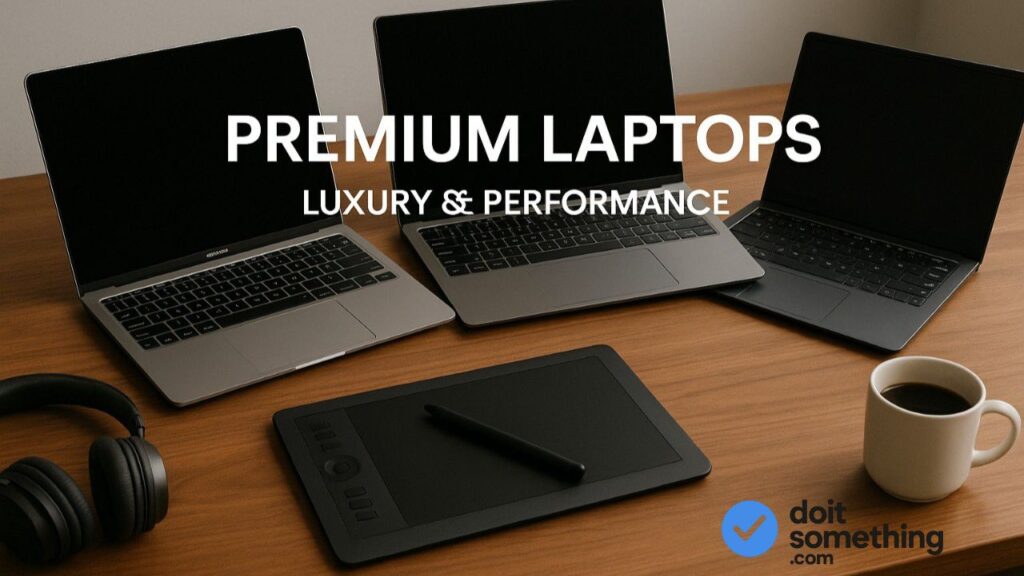
Premium / High-End Options
Here are some top choices if you want “set it and forget it” performance, particularly for more demanding tasks like data research, video editing, or future-proofing.
Apple MacBook Air
- Why it’s good: The M-series Macs continue to impress. In 2026, the M4 MacBook Air is frequently cited as a top pick for students due to excellent battery life, performance per watt, and ecosystem synergy. RTINGS.com+3WIRED+3Tom’s Hardware+3
- Pros: Fanless design (silent), excellent battery, solid build, long software support, smooth macOS experience.
- Cons: Limited ports (usually just two USB-C), upgrade costs (RAM/SSD upgrades are expensive or non-user-replaceable), and potential compatibility issues with some Windows-only software (though solutions exist).
Other premium Windows / 2-in-1 options (not specifically cited above but part of this category):
- ASUS Zenbook series (especially OLED versions) — strong balance of performance + design.
- Dell XPS (XPS 14/16) — premium materials, excellent displays, though pricey.
- Lenovo Yoga / Aura / Legion (for heavier workloads) — premium 2-in-1 and performance lines.
According to PCWorld, the Asus Zenbook 14 OLED is their “best all-around choice” in 2026. PCWorld
Tom’s Hardware also recommends the MacBook Air (M-series) and Microsoft Surface / Yoga hybrids for college use. Tom’s Hardware
Pros & Cons (Budget vs Premium)
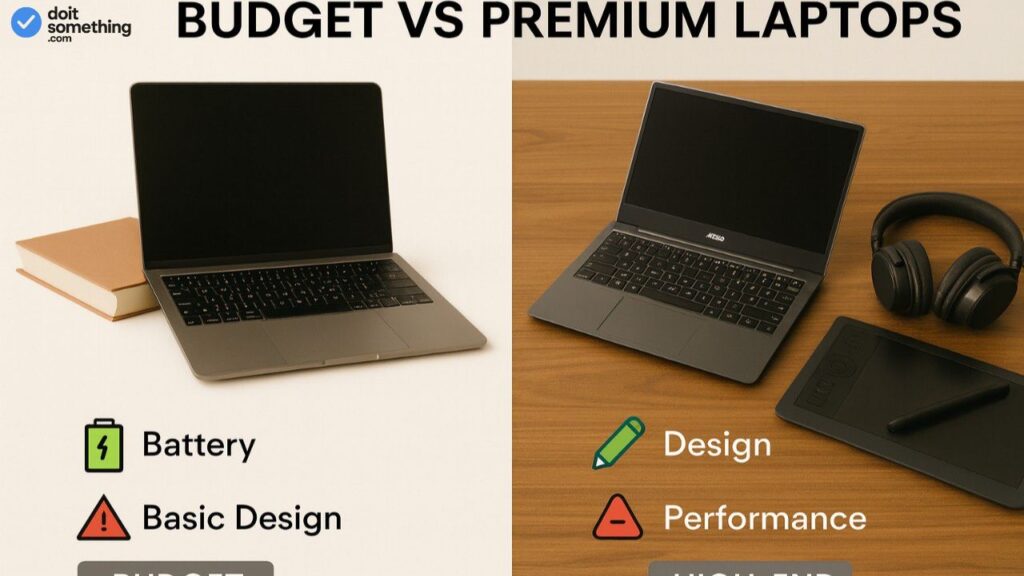
| Feature / Concern | Budget / Mid-Range | Premium / High-End |
|---|---|---|
| Cost | Much more affordable | Significantly more expensive |
| Performance headroom | Good for daily and moderate workloads | Handles heavy workloads, creative apps, future needs |
| Battery life | Decent (8–12 hr) but often pushes limits under load | Excellent (12–18 hr or more in real use) |
| Weight / aesthetics | Good, but with some tradeoffs on materials | Sleek designs, premium finishes, lighter per performance unit |
| Ports & expansion | Might lack variety; some soldered components | Better port variety, often better cooling, more likely to support upgrades |
| Longevity / resale | Might become obsolete sooner | Longer relevance; better resale, support |
Tips for Students When Buying
- Use student discounts / edu pricing
Students can get special rates from companies like Apple, Microsoft, and many OEMs. You can save 5–15% when combined with seasonal deals. - Balance your specs
Pursuing the newest CPU is not as important as RAM and SSD. Prioritize a faster SSD and more RAM over little CPU upgrades if you must pick. - Don’t overpay for fancy extras you’ll rarely use
Touchscreens, 4K displays, or extreme gaming GPUs drive up cost. For many students, a good 1080p (or 2K) display is enough. - Consider upgradability / repairability
Especially in markets where parts / servicing are more expensive, being able to replace SSD or battery is a benefit. - Buy at the right time
Back-to-school (June–August) and festival sale seasons often bring good laptop discounts. - Look into refurbished / certified-renewed deals
If your budget is tight, a verified refurb with warranty can give you access to premium machines at lower cost. (Only do this if you trust the seller.)
Conclusion & Final Recommendations
For most students, a mid-range laptop that’s light, durable, and lasts through a school day is all you need. Among the picks above:
- On a tighter budget, the ASUS Vivobook Go 14 gives the essentials at a modest price.
- If you want flexibility (convertible form) but still good performance, the ASUS Vivobook S14 Flip (2026) is a nice middle ground.
- For a “premium, workhorse” pick in the Windows world, Samsung Galaxy Book4 offers a well-balanced option.
- If you can stretch your budget, MacBook Air (M-series) remains a gold standard for battery life, usability, and long-term support.
In the end, the “best” laptop is the one you use; if you never use it, you don’t need the best specs. Choose a computer that is appropriate for your courses. Students studying commerce or the humanities might not require discrete GPUs, while those studying engineering or design will benefit from more graphics capacity. Pay attention to battery life, weight, and dependability. If you make wise purchases, your laptop will last you through college and beyond.