
Top Project Management Tools
Did you know about Top Project Management Tools, if yes then this article is for you. We will be discussing . Read on for more.
As 2026 progresses, more teams are looking for a project management (PM) platform that serves as a central hub for communication, visibility, automation, and decision-making in addition to task organization. Asana, Monday.com, ClickUp, Trello (for lighter use), Wrike, Jira (for software teams), and specialized tools like GanttPRO, Zoho Projects, and ProofHub continue to be the top contenders in curated lists of the best PM software.
Also Read About Best Antivirus Software 2026: Top Picks for Ultimate Protection
Some of the key trends shaping PM tools in 2026 include:
- Smarter automation and AI augmentation — tools are increasingly helping automate routine workflows, suggest next steps, or flag delays.
- Stronger integrations and ecosystem support — PM tools must interoperate with Slack, email, file services, CRMs, and more.
- Greater configurability and views — boards, Gantt, timelines, calendars, dashboards, and custom fields all become table stakes.
- Scalability and performance — as projects grow, tools must handle many users, large boards, and extensive histories without lag.
- Strong support and global availability — downtime or lack of local support can derail adoption, particularly for remote or international teams.
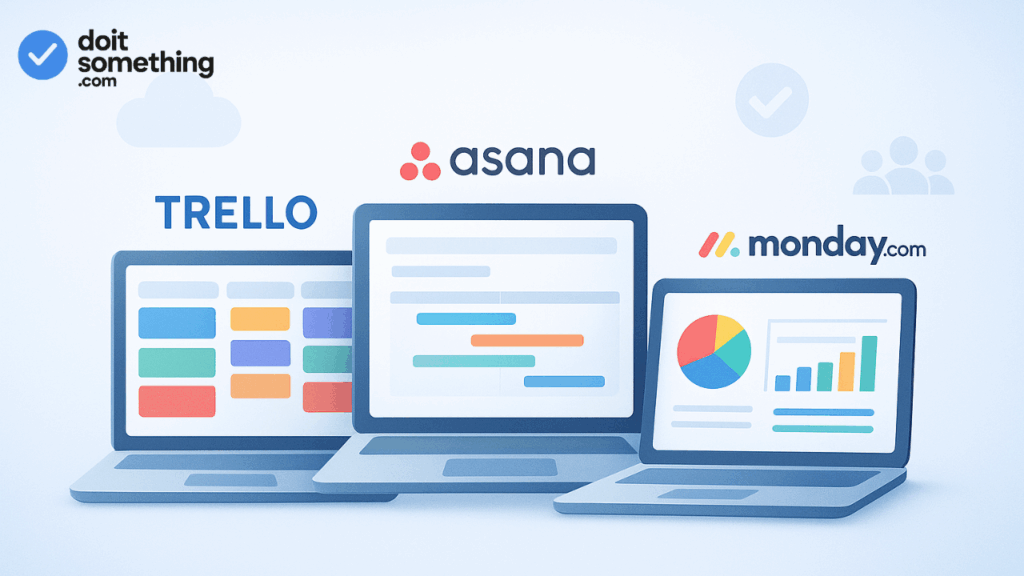
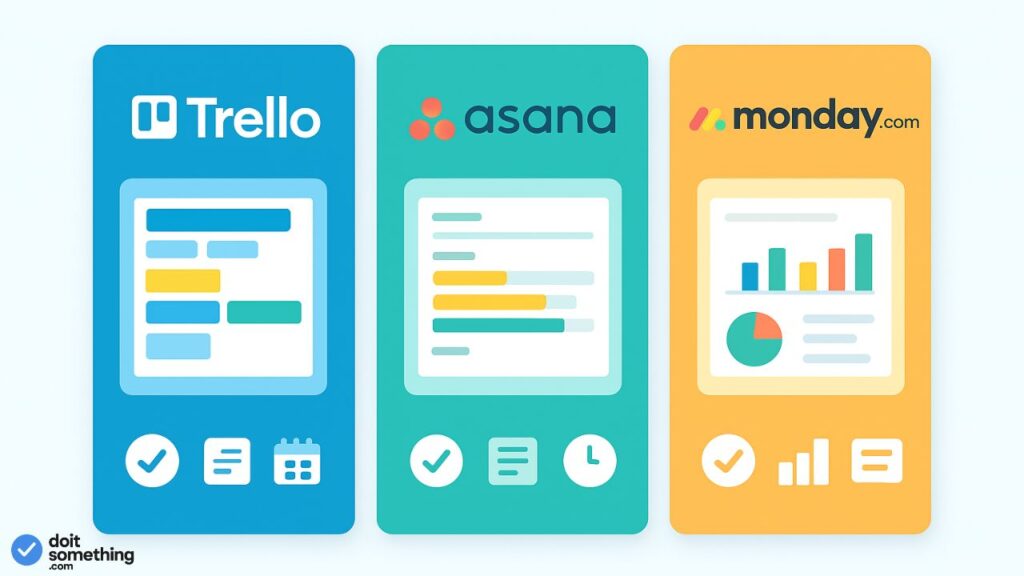
In light of this, let’s focus on three popular tools: Trello, Asana, and Monday.com. We’ll compare them in terms of functionality, prices, worldwide accessibility, customer service, and optimal use cases.
Trello vs Asana vs Monday.com — Feature & Comparison Overview
1. Trello
Strengths & positioning
- Trello is easy to use, visually appealing, and suitable for beginners. It is based on cards, lists, and boards in the Kanban manner.
- Due to its simplicity, small teams, independent contractors, and less complicated projects frequently choose it.
- Its intuitive drag-and-drop interface, low learning curve, and ease of use are what make it appealing.
Limitations
- Trello lacks several sophisticated project capabilities (dependencies, resource management, detailed reporting) right out of the box.
- You mostly rely on “Power-Ups” (plugins/integrations) to go beyond the fundamentals, which can call for premium tiers.
- Users may find Trello’s structure restrictive when projects get complicated (many nested tasks, dependencies, timelines).
Recent updates / pivots
- In order to better process inputs from Slack, email, and other sources, Trello is adding features in 2026. For example, a “Inbox” column would automatically gather tasks from many sources.
- However, Trello is still not developing into a full-fledged enterprise project management platform; these are merely productivity improvements.
Best for
- Lightweight, visual project tracking
- Individuals, small teams, content pipelines, editorial workflows
- Situations where speed, clarity, and minimal overhead matter
2. Asana
Strengths & positioning
- Asana is more than simply task boards; it’s designed as a complete work and project management tool. Timelines, dependencies, workload views, automation, and goal-tracking are all supported.
- Integrations are well supported by it. Numerous tools interface with Asana’s built-in connectors or API.
- The emphasis is on workflow and admin controls (guest access, permissions, form-based workflows).
- Asana is seen to be enterprise-ready since it rolls up across several projects, scales smoothly, and provides sophisticated reporting.
Limitations
- A steeper learning curve is associated with more features. Asana may be more burdensome for small teams or straightforward use cases.
- Higher-tier plans are required to access some sophisticated capabilities, such as automation and custom rules.
- With numerous users and add-ons, the price might increase rapidly.
- Built-in messaging or real-time team chat might not be as sophisticated; you frequently link it with Slack, Microsoft Teams, etc.
Best for
- Medium-to-large teams or organizations
- Projects requiring structured workflows, dependencies, cross-project reporting
- Cases where integrations with a broader stack and advanced permissioning matter
3. Monday.com
Strengths & positioning
- Monday.com offers flexibility with multiple views (boards, timelines, calendars, charts), strong UI, and lots of customization.
- It often is rated as “best overall” PM software in recent reviews, thanks to its combination of usability, features, and adaptability.
- In head-to-head reviews, Monday is frequently seen as giving good value (cheaper per user in some plans compared to competitors) and easier to use for many teams.
- Monday supports many automation options, dashboards, widgets and has strong support features.
Limitations
- Higher-tier plans are needed for greater features, just like with Asana. Certain functions could be restricted to higher tiers.
- Over-customization might result in complexity or confusion because it is general-purpose.
- Some reviews criticize Monday for attempting to be “all-in-one,” which occasionally results in failing in a particular area.
- Certain plans may have limited support and round-the-clock help unless you purchase a premium.
Best for
- Teams wanting flexibility but also structure
- Businesses who prefer visually appealing dashboards and wish to modify the application for various workflows
- Where usability and adoption are priorities
Global Availability & Customer Support
Global connectivity and dependable customer service are essential when choosing a PM solution, particularly for remote or international teams.

- Global availability:Trello, Asana, and Monday are all cloud-based software as a service (SaaS) programs that usually function globally. Regional limitations, server location-dependent performance lags, and local data-residency compliance problems are possible, nevertheless. Occasionally, availability is impacted by export regulations or local laws.
- Customer support & response times: Monday is frequently commended in tool comparisons for its timely support and round-the-clock live service (at least on higher-tier plans) in some areas.
- Asana also offers premium support for enterprise plans.
- Because Trello is lighter, enterprise-level assistance might not always be available unless you are on premium levels.
- Additionally, some systems include community resources, onboarding, training, and committed customer success—all of which are important during adoption.
When making a decision, you should consider the reliability of assistance in your time zone, language support, and support SLAs unique to your nation or region.
How to Choose the Right Tool for Your Team
Given these options, here’s a framework to decide which might suit you best:
- Identify your core use case & team size
- Very small team, simple tasks, prioritizing speed: Trello
- Scaling teams, structured workflows, cross-team visibility: Asana or Monday
- List must-have features
- Do you need dependencies, resource leveling, complex dashboards?
- Are integrations (Slack, calendar, file storage, CRM) essential?
- Do you need strong permissions, guest access, admin control?
- Consider your budget per user / scale
- Compare tiers and the cost for your team size
- Be mindful that some features get locked unless you upgrade
- Test for performance & usability in your region
- Run a pilot or trial with a subset of users
- Check speed, latency, ease of use, support responsiveness
- Long-term scalability and reliability
- As your projects grow, will the tool handle hundreds of boards, deep history, many automations?
- Does the vendor have track record, good uptime, transparent roadmap?
- Support & SLA commitments
- Check support levels for your plan and region
- Ask about downtime history, data residency, backup & recovery
In many cases, teams start with Trello (on free or low-cost plans) and then migrate to Asana or Monday when they outgrow its simplicity.
Suggested Verdict (Trello vs Asana vs Monday.com for 2026)
Here’s a comparative summary to help frame your decision:
| Tool | Best for | Strengths | Tradeoffs |
|---|---|---|---|
| Trello | Very small teams, visual workflows, quick start | Simplicity, ease, minimal overhead | Limited advanced project features, needs plugins for more |
| Asana | Growing teams, structured & dependent workflows | Strong reporting, integrations, workflow control | Learning curve, cost for advanced features |
| Monday.com | Teams needing balance of power + flexibility | Visuality, customization, dashboards, usability | Overhead if over-customized, some features behind premium tiers |
For a general-purpose mid-sized team in 2026, Monday.com is favored by numerous reviewers due to its cost-effectiveness, convenience, and feature balance. However, Asana is still a reliable and sophisticated option for more structured, process-driven environments. For teams that are just getting started or as a lightweight tool, Trello is still useful.
Conclusion
- No single “best tool” for everyone — the ideal choice depends on your unique needs, workflows, budget, and growth trajectory.
- Start with clarity on what you really need — don’t pick a tool just because it’s popular; let your workflow define the features.
- Pilot first, then scale — try a smaller team, test performance and support, gather feedback before rolling out full adoption.
- Plan for future migration — if you begin with Trello or a lighter tool, ensure your data and workflows can be ported to a more powerful tool later.