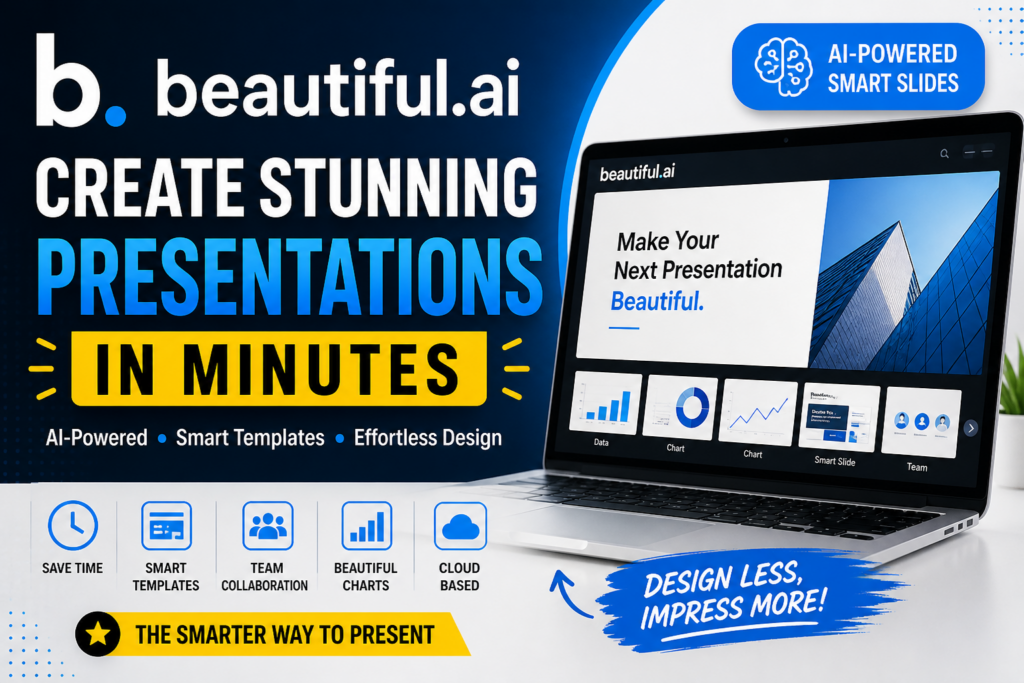

Beautiful.ai Review
Do you know Beautiful.ai Review, if yes then this article is for you. We are discussing about it here. Read more.
Creating professional presentations has always been a time-consuming task. From designing slides to aligning visuals and maintaining consistency, the process can be overwhelming—especially for beginners. That’s where Beautiful.ai steps in.
Beautiful.ai is an AI-powered presentation software designed to help users create visually appealing slides quickly and effortlessly. Whether you’re a marketer, entrepreneur, student, or corporate professional, this tool promises to transform the way you build presentations.
In this blog, we’ll explore what Beautiful.ai is, its features, pricing, pros and cons, and whether it’s worth using in 2026.

What is Beautiful.ai?
Beautiful.ai is a cloud-based presentation tool that uses artificial intelligence to automate slide design. Unlike traditional tools like PowerPoint or Google Slides, Beautiful.ai focuses on smart templates that automatically adjust layouts as you add content.
The platform ensures that every slide looks polished without requiring design skills. It eliminates common issues like misalignment, inconsistent fonts, and poor spacing.
Key Features of Beautiful.ai
1. AI-Powered Smart Slides
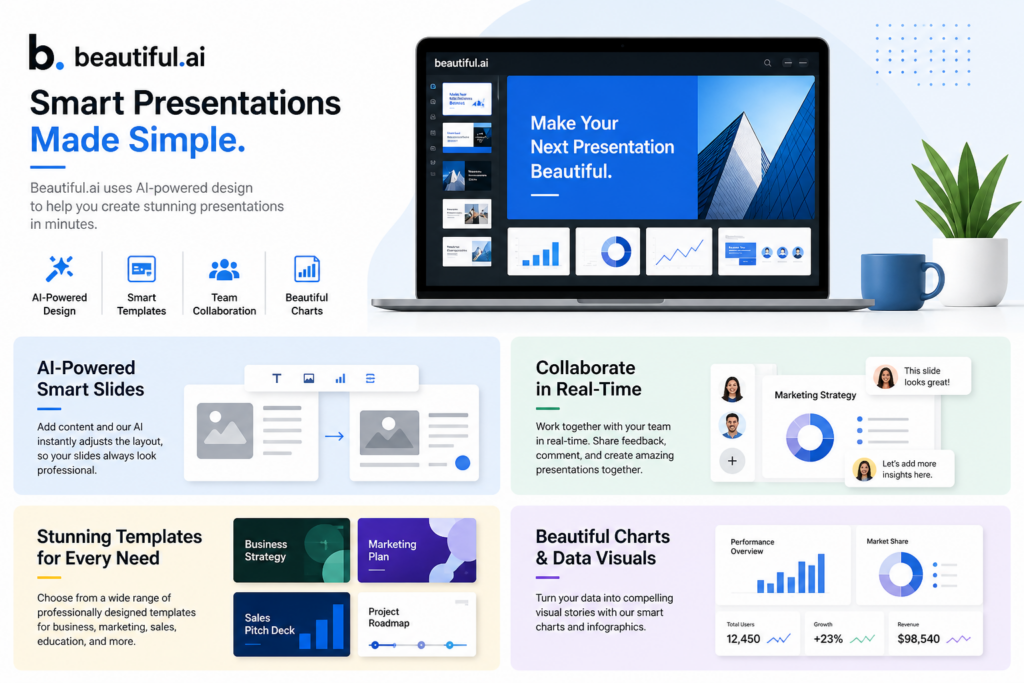
The standout feature of Beautiful.ai is its smart slide technology. When you add text, images, or charts, the AI automatically adjusts the layout to maintain a professional design.
This means:
- No manual resizing
- No alignment issues
- No design expertise required
2. Pre-Designed Templates
Beautiful.ai offers a wide range of professionally designed templates suitable for:
- Business presentations
- Marketing pitches
- Sales decks
- Educational slides
- Startup investor decks
These templates are fully customizable and adapt to your content automatically.
3. Real-Time Design Adjustments
Unlike traditional tools, Beautiful.ai updates your slide design in real-time as you edit content. This ensures consistency across all slides without manual effort.
4. Collaboration Tools
Teams can collaborate seamlessly using Beautiful.ai. Features include:
- Real-time editing
- Shared workspaces
- Commenting system
- Version control
This makes it ideal for remote teams and agencies.
5. Data Visualization
Beautiful.ai provides built-in tools to create:
- Charts
- Graphs
- Infographics
- Data dashboards
You can easily present complex data in a visually appealing way.
6. Brand Control
Businesses can maintain consistent branding by setting:
- Brand colors
- Fonts
- Logos
Once configured, every presentation automatically follows the brand guidelines.
7. Cloud-Based Accessibility
Since Beautiful.ai is cloud-based, you can access your presentations from anywhere without installing software.
Benefits of Using Beautiful.ai
Saves Time
Creating presentations manually can take hours. Beautiful.ai reduces this time significantly by automating design tasks.
Beginner-Friendly
Even if you have no design experience, you can create professional slides effortlessly.
Consistent Design
The AI ensures all slides follow a consistent design pattern, improving overall presentation quality.
Improved Productivity
By eliminating repetitive design work, users can focus more on content and strategy.
Beautiful.ai Pricing
Beautiful.ai offers flexible pricing plans:
Free Plan
- Limited templates
- Basic features
- Suitable for beginners
Pro Plan
- Full access to templates
- Advanced customization
- Collaboration features
Team Plan
- Designed for businesses
- Brand control features
- Team collaboration tools
Pricing may vary, so it’s recommended to check the official website for updated plans.
Pros and Cons of Beautiful.ai
Pros
- Easy to use
- AI-powered design automation
- Professional templates
- Great for teams
- Saves time
Cons
- Limited customization compared to PowerPoint
- Requires internet connection
- Some features locked behind paid plans
Beautiful.ai vs PowerPoint
| Feature | Beautiful.ai | PowerPoint |
|---|---|---|
| Ease of Use | Very Easy | Moderate |
| Design Automation | Yes | No |
| Templates | Smart Templates | Static Templates |
| Collaboration | Built-in | Limited |
| Customization | Moderate | High |
Conclusion: Beautiful.ai is better for quick, professional presentations, while PowerPoint is ideal for advanced customization.
Who Should Use Beautiful.ai?
Beautiful.ai is perfect for:
- Entrepreneurs creating pitch decks
- Marketers designing campaigns
- Students preparing presentations
- Corporate professionals
- Freelancers and agencies
If you want fast, professional results without design skills, this tool is for you
Is Beautiful.ai Worth It?
Yes, Beautiful.ai is worth it—especially if you value speed and simplicity.
It’s an excellent tool for users who want:
- Quick results
- Professional designs
- Easy collaboration
However, if you need deep customization, tools like PowerPoint may still be better.
FAQs
Is Beautiful.ai free?
Yes, it offers a free plan with limited features.
Can I use Beautiful.ai offline?
No, it is a cloud-based tool and requires an internet connection.
Is Beautiful.ai good for beginners?
Absolutely! It’s designed for users with no design experience.
Can teams collaborate on Beautiful.ai?
Yes, it offers powerful collaboration features for teams.
Conclusion
Beautiful.ai is revolutionizing the way presentations are created. With its AI-powered features, it removes the complexity of design and allows anyone to build stunning slides effortlessly.
In 2026, as AI tools continue to evolve, Beautiful.ai stands out as one of the best presentation tools available for both individuals and teams.