
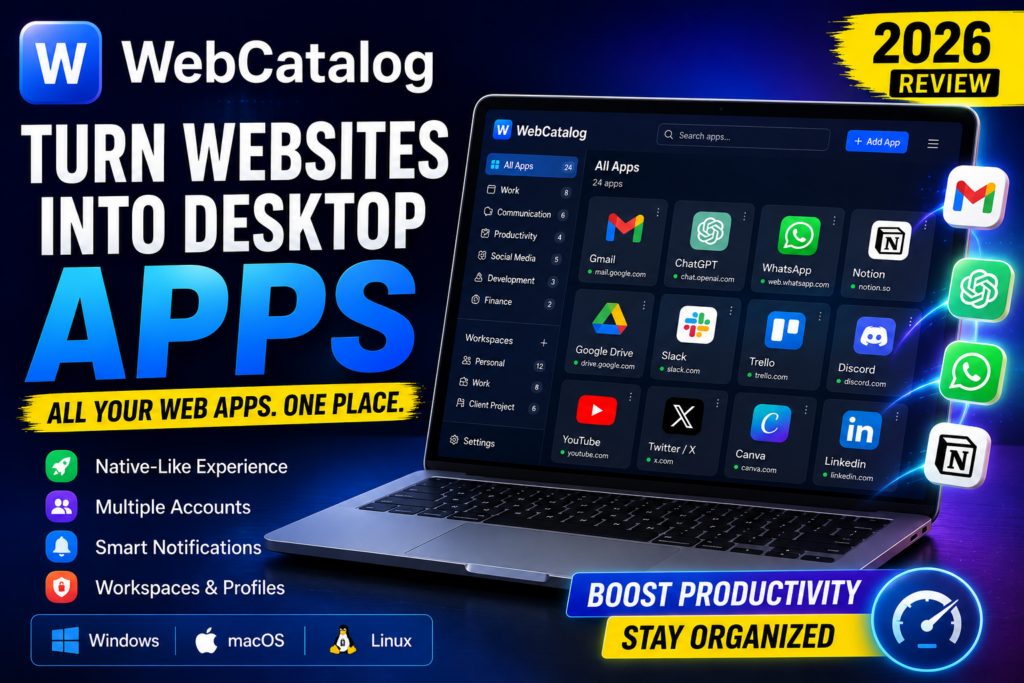

WebCatalog Review
Do you know WebCatalog Review, if yes then this article is for you. We are discussing about it here. Read more.
If you spend most of your day using web apps like ChatGPT, Gmail, WhatsApp, Google Drive, Notion, Slack, Discord, Trello, or Canva, you’ve probably experienced the frustration of managing dozens of browser tabs. Too many open tabs can slow your browser, make multitasking difficult, and reduce productivity.
WebCatalog is designed to solve this problem by turning your favorite websites into standalone desktop applications. Instead of opening every service in a browser, WebCatalog lets you install each web app separately, making your workspace cleaner, faster, and easier to manage.
In this complete review, we’ll explain what WebCatalog is, how it works, its key features, pricing, advantages, disadvantages, and whether it’s worth using in 2026.

What Is WebCatalog?
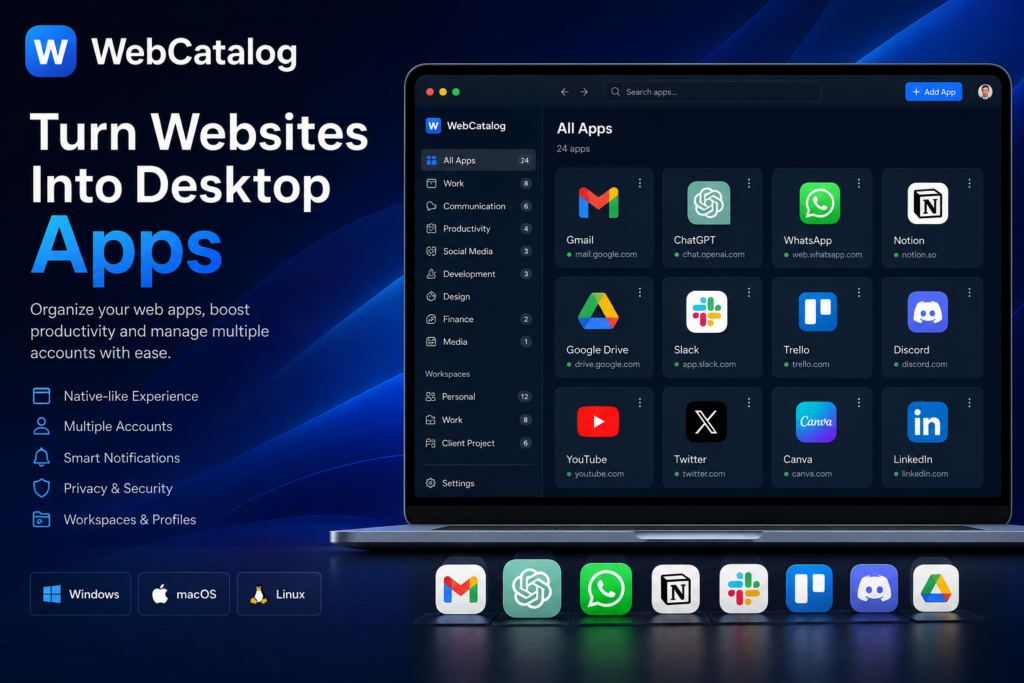
WebCatalog is a desktop application that allows users to convert websites into native-like desktop apps. It supports Windows, macOS, and Linux, giving users a simple way to organize online services outside a traditional browser.
Each installed application runs in its own isolated environment. This means every app has separate cookies, storage, login sessions, and notifications, making it possible to use multiple accounts without conflicts.
Whether you’re a student, freelancer, developer, digital marketer, or business owner, WebCatalog helps organize your daily workflow while reducing browser clutter.
How Does WebCatalog Work?
Instead of creating browser shortcuts, WebCatalog packages websites into dedicated desktop apps.
For example, you can install:
- ChatGPT
- Gmail
- Google Calendar
- Google Docs
- Google Drive
- Slack
- Discord
- Notion
- Trello
- Canva
- GitHub
Each app opens in its own window, making it feel like a native desktop application while still using the latest web technologies.
Why Use WebCatalog?
Many professionals rely on dozens of cloud-based services every day. Keeping everything inside one browser often leads to:
- Too many tabs
- Mixed personal and work accounts
- Browser slowdowns
- Missed notifications
- Poor organization
WebCatalog addresses these challenges by providing separate desktop applications for each service.
Key Features of WebCatalog
1. Convert Websites into Desktop Apps
The core feature of WebCatalog is converting websites into standalone applications.
Benefits include:
- Quick launching
- Dedicated windows
- Cleaner desktop organization
- Better multitasking
- Fewer browser tabs
2. Huge App Library
WebCatalog includes thousands of ready-to-install web applications across multiple categories, including:
- Productivity
- AI Tools
- Business
- Finance
- Social Media
- Education
- Communication
- Development
- Entertainment
Most popular online platforms are already available, saving you the effort of creating custom apps.
3. Multiple Profiles
One of WebCatalog’s strongest features is profile management.
Create separate workspaces such as:
- Personal
- Office
- Client Projects
- School
- Business
Each workspace maintains its own settings and login sessions, making account management much easier.
4. Multiple Accounts
If you manage multiple accounts for services like Gmail, Slack, or ChatGPT, WebCatalog makes switching between them effortless.
Examples include:
- Personal Gmail
- Business Gmail
- Client Gmail
or
- Multiple WhatsApp accounts
- Different Slack workspaces
- Separate ChatGPT accounts
No browser extensions are required.
5. Workspace Organization
Group related applications together.
Example:
Marketing Workspace
- ChatGPT
- Canva
- Google Drive
- Gmail
Development Workspace
- GitHub
- VS Code Web
- Jira
- Discord
This organization helps reduce distractions and improves focus.
6. Desktop Notifications
WebCatalog supports desktop notifications, allowing users to receive updates from installed applications without keeping an entire browser running.
Notifications are available for apps like:
- Gmail
- Slack
- Discord
- Microsoft Teams
7. Privacy & Security
Each installed application runs inside an isolated environment.
Advantages include:
- Separate cookies
- Independent sessions
- Better privacy
- Reduced tracking across applications
- Improved security
Supported Operating Systems
WebCatalog is available for:
- Windows
- macOS
- Linux
This makes it suitable for nearly every desktop user.
Who Should Use WebCatalog?
Students
Manage learning platforms, email, and research tools efficiently.
Remote Workers
Keep work applications organized and separate from personal accounts.
Developers
Run GitHub, Jira, documentation, and communication tools independently.
SEO Professionals
Organize Google Search Console, Google Analytics, Gmail, ChatGPT, keyword research tools, and client dashboards without browser clutter.
Digital Marketers
Manage multiple advertising accounts, social media platforms, CRM systems, and email marketing tools from one organized workspace.
Advantages of WebCatalog
- Easy installation
- Clean interface
- Multiple account support
- Separate workspaces
- Faster access to web apps
- Reduced browser clutter
- Desktop notifications
- Cross-platform compatibility
- Better productivity
- Enhanced privacy through isolated sessions
Disadvantages
Like every application, WebCatalog has a few limitations.
- Some websites work better in a full browser.
- Installing many apps may increase RAM usage.
- Advanced features require a premium subscription.
- Offline functionality depends on the web app itself.
WebCatalog Pricing
WebCatalog offers a free version with enough features for most users.
The premium plan includes additional capabilities such as:
- More advanced workspace management
- Enhanced customization
- Extra productivity tools
- Improved synchronization options
For casual users, the free version is often sufficient.
WebCatalog vs Traditional Browser
| Feature | Browser Tabs | WebCatalog |
|---|---|---|
| Separate Desktop Apps | ❌ | ✅ |
| Multiple Profiles | Limited | ✅ |
| Multiple Accounts | Moderate | Excellent |
| Desktop Notifications | Basic | Better |
| Workspace Organization | ❌ | ✅ |
| Productivity | Good | Excellent |
Is WebCatalog Safe?
Yes. WebCatalog is generally considered safe when downloaded from its official website. It isolates applications from one another, helping keep sessions separate and reducing interference between accounts.
As with any online service, it’s still recommended to use strong passwords and enable two-factor authentication where available.
Is WebCatalog Worth It in 2026?
For users who spend hours working with cloud-based services, WebCatalog offers a significant productivity boost. It simplifies account management, reduces browser clutter, and keeps important apps organized in dedicated windows.
If you’re a freelancer, marketer, student, developer, or business professional who depends on web apps daily, WebCatalog is well worth trying.
Frequently Asked Questions
What is WebCatalog?
WebCatalog is a desktop application that converts websites into standalone desktop apps for Windows, macOS, and Linux.
Is WebCatalog free?
Yes. A free version is available, while premium plans unlock additional features.
Can I use multiple Gmail accounts?
Yes. WebCatalog supports multiple accounts with isolated sessions.
Is WebCatalog safe?
Yes, when downloaded from the official source. It provides isolated environments for each installed app.
Which operating systems are supported?
Windows, macOS, and Linux.
Also Read About CometChat Review: Everything You Need to Know
Conclusion
WebCatalog is one of the best desktop app managers available today. Its ability to transform websites into standalone applications, combined with profile management, multiple account support, and organized workspaces, makes it an excellent productivity tool.
Whether you’re managing client projects, running a business, studying online, or handling multiple social media accounts, WebCatalog provides a cleaner and more efficient way to work.
![Microsoft Toolkit 2.6.7 Kickass [2026]](https://doitsomething.com/wp-content/uploads/2025/03/Untitled-design-2025-03-15T112854.423-1024x576.jpg "Microsoft Toolkit 2.6.7 Kickass [2026]")
![Nudi Software Download for Windows V.50 [2026]](https://doitsomething.com/wp-content/uploads/2025/03/Untitled-design-2025-03-01T122047.561-1024x576.jpg "Nudi Software Download for Windows V.50 [2026]")